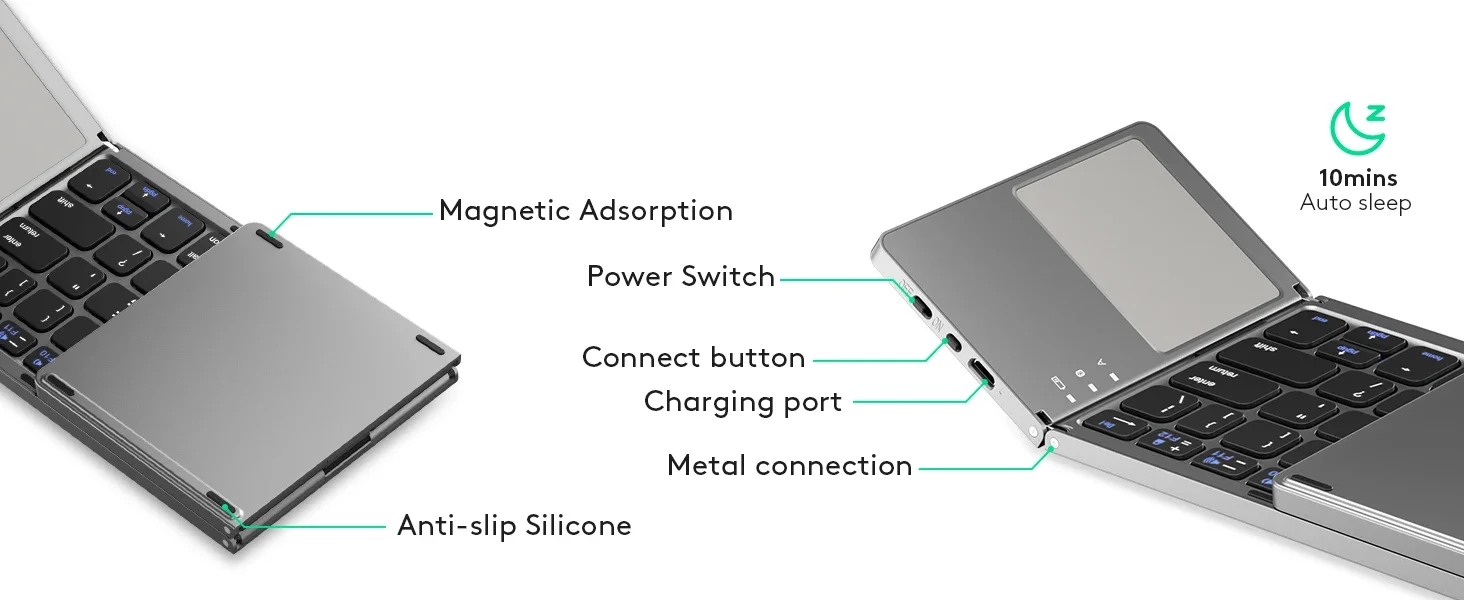
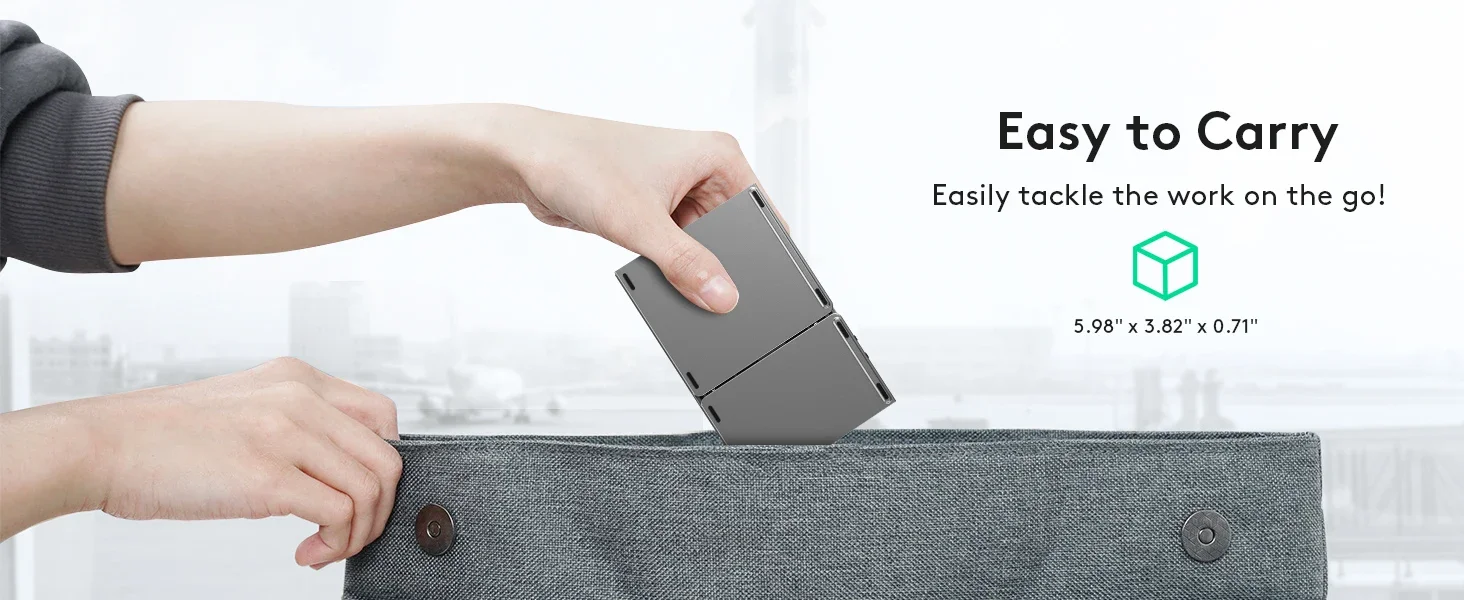
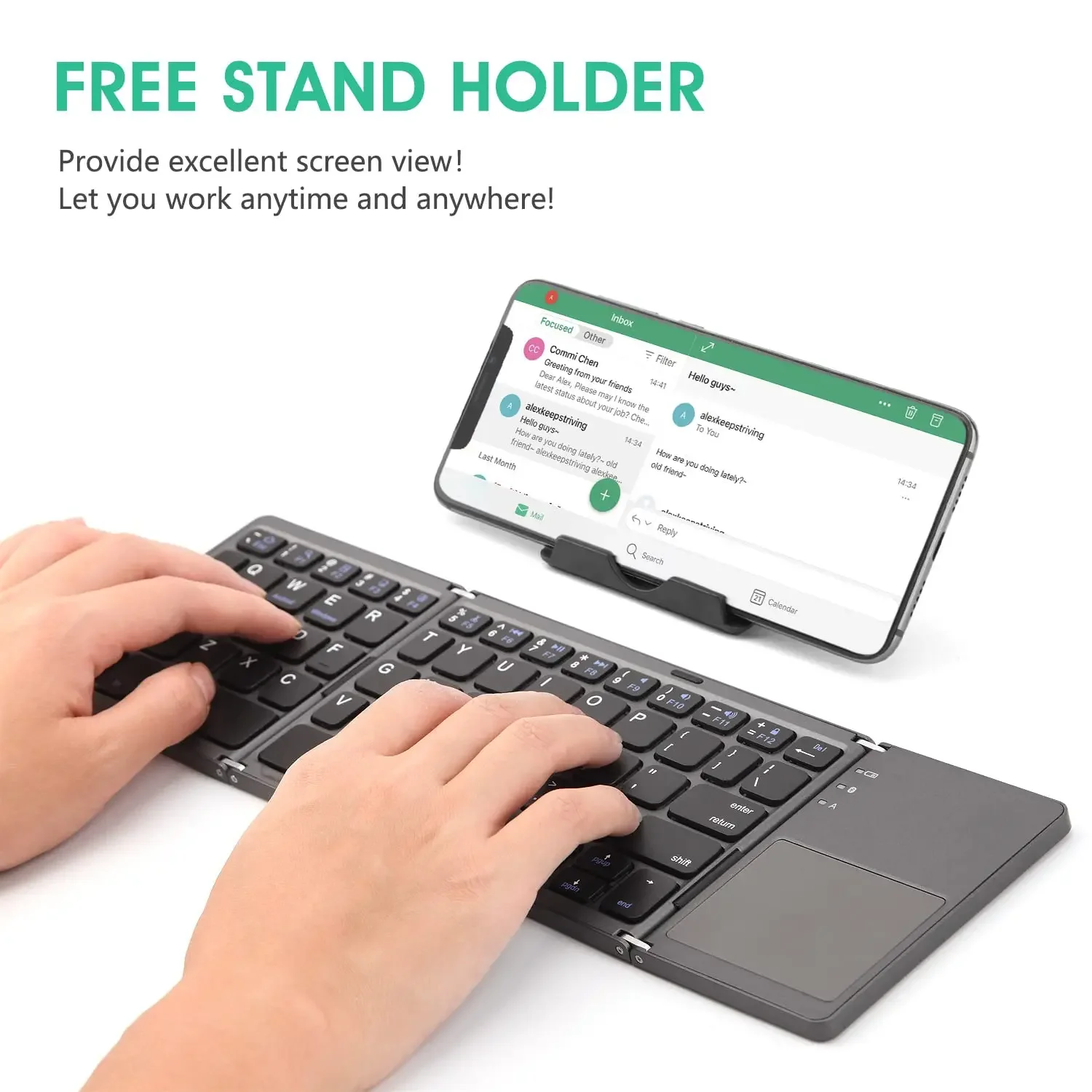
Skip to product information
1 of 43

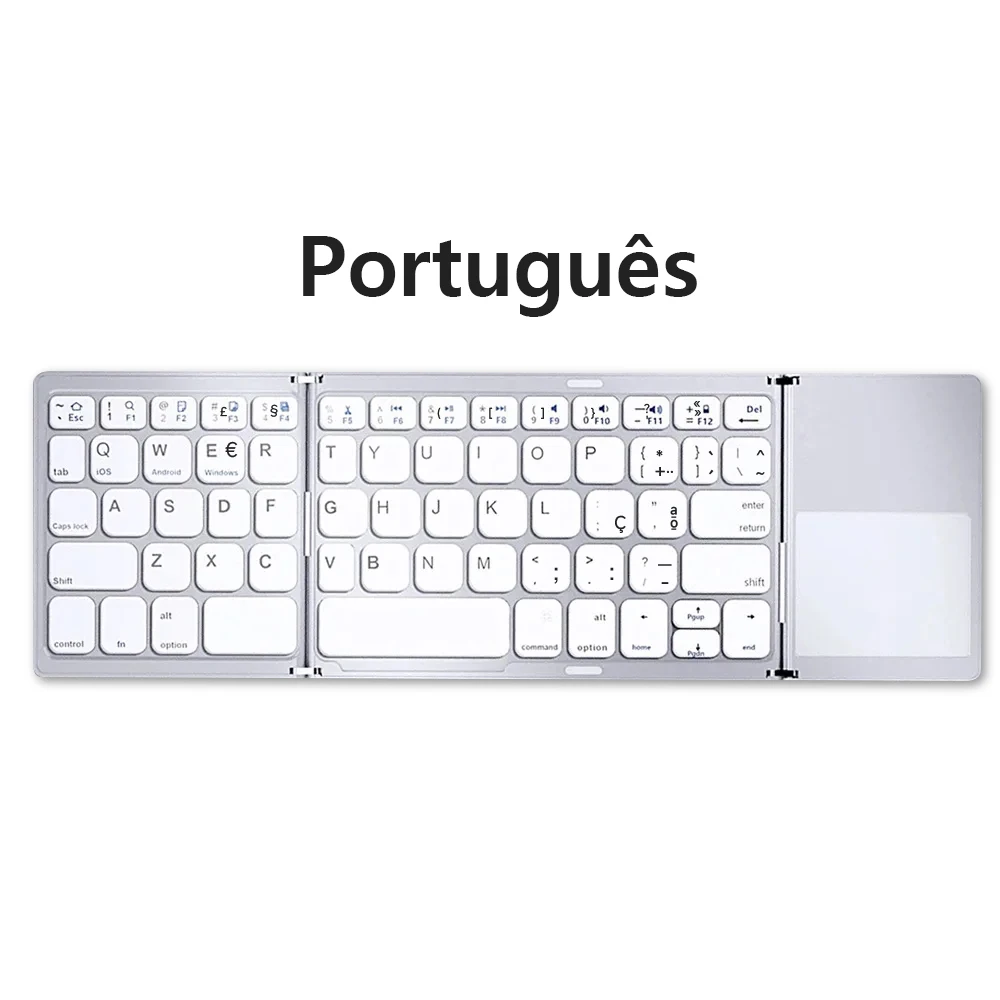
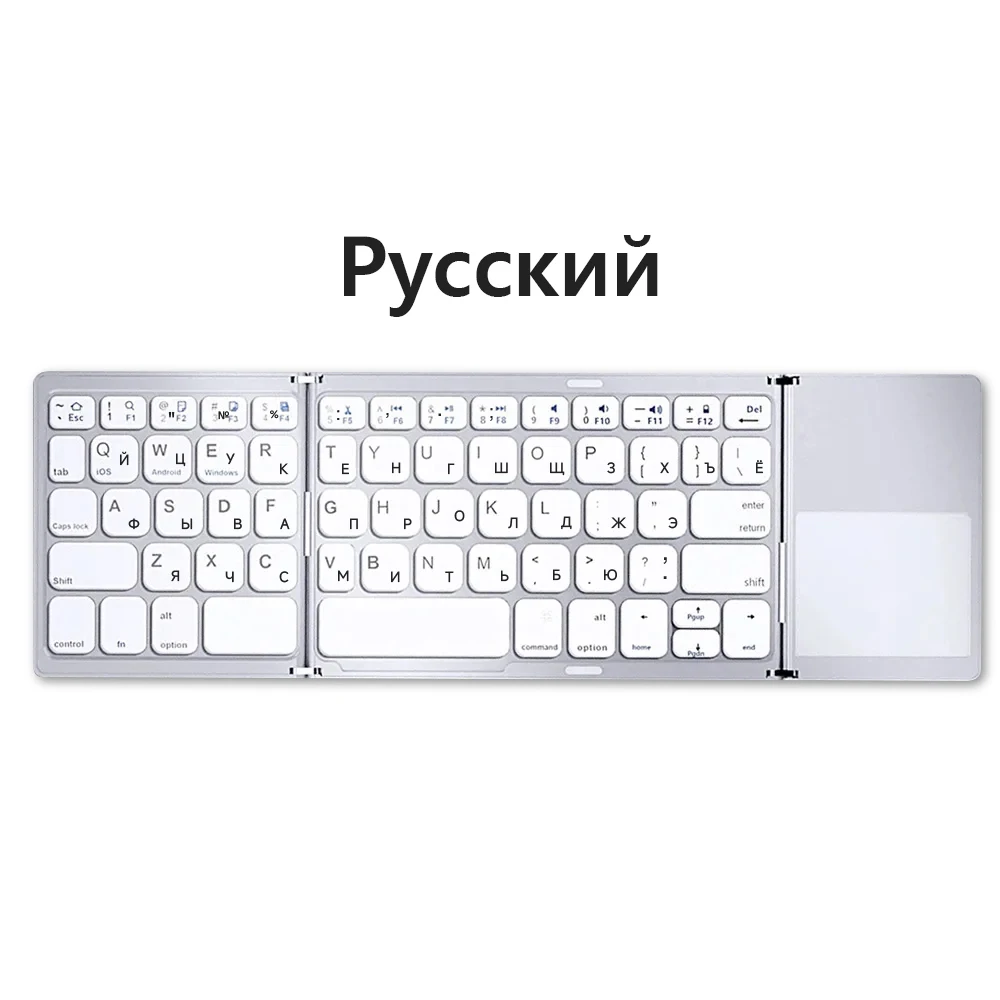
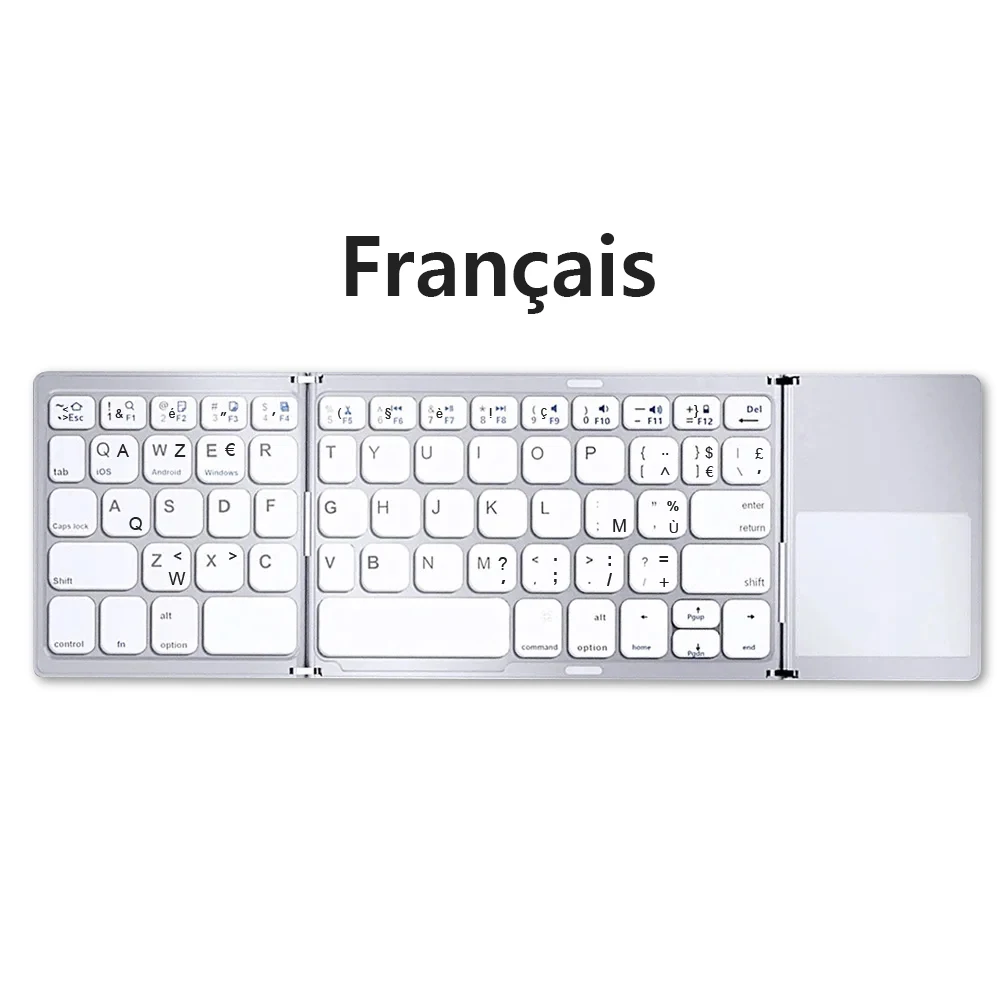
Russian/Spanish/English B033 Mini Foldable keyboard, Wireless Bluetooth Keyboard Recharger with Touchpad for Windows Android IOS

Russian/Spanish/English B033 Mini Foldable keyboard, Wireless Bluetooth Keyboard Recharger with Touchpad for Windows Android IOS

Regular price 231,19€
Regular price 0,00€ Sale price 231,19€
Sold out
Tax included. Shipping calculated at checkout.
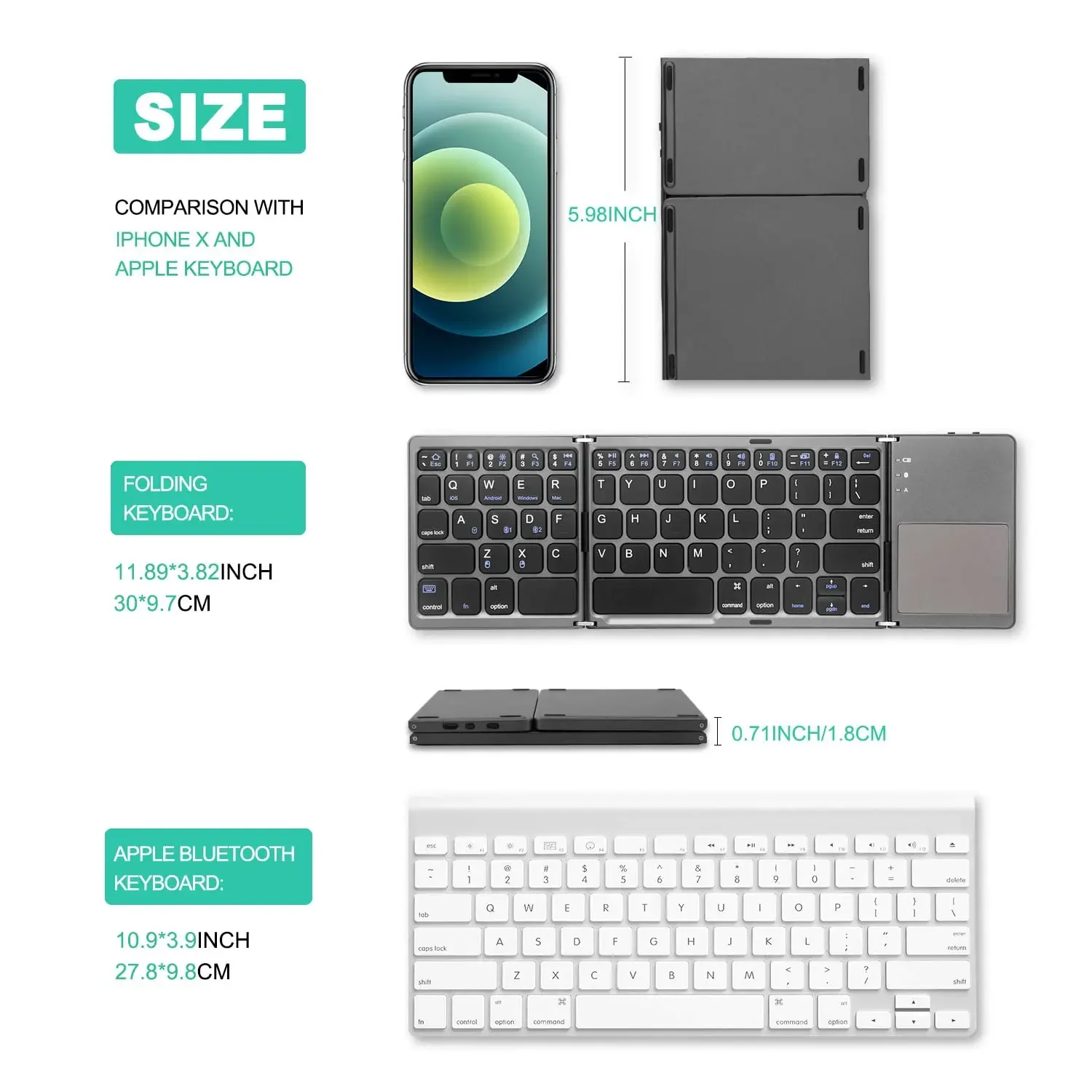
SPECIFICATIONSApplication: Desktop,Laptop,Number,TabletBattery Included: YesBrand Name: ONEVANCertification: CEHave a multimedia function key: YesHigh-concerned chemical: NoneInterface Type: USBKeyboard Standard: 63 Keys,Foldable bluetooth keyboardLanguage: Europe,Russian,EnglishOperation Style: MechanicalOrigin: Mainland ChinaPackage: YesStyle: StandardSwitches Hot swap:...
people are viewing this right now --:--:--

AvailabilityLow stock: 100 left

Color
Axis Body

SKU: 14:1063#3-fold Sliver;200009450:203231809#German n English
Vendor: Fraquane SAS
View full product details

SPECIFICATIONS

Application: Desktop,Laptop,Number,Tablet

Battery Included: Yes

Brand Name: ONEVAN

Certification: CE

Have a multimedia function key: Yes

High-concerned chemical: None

Interface Type: USB

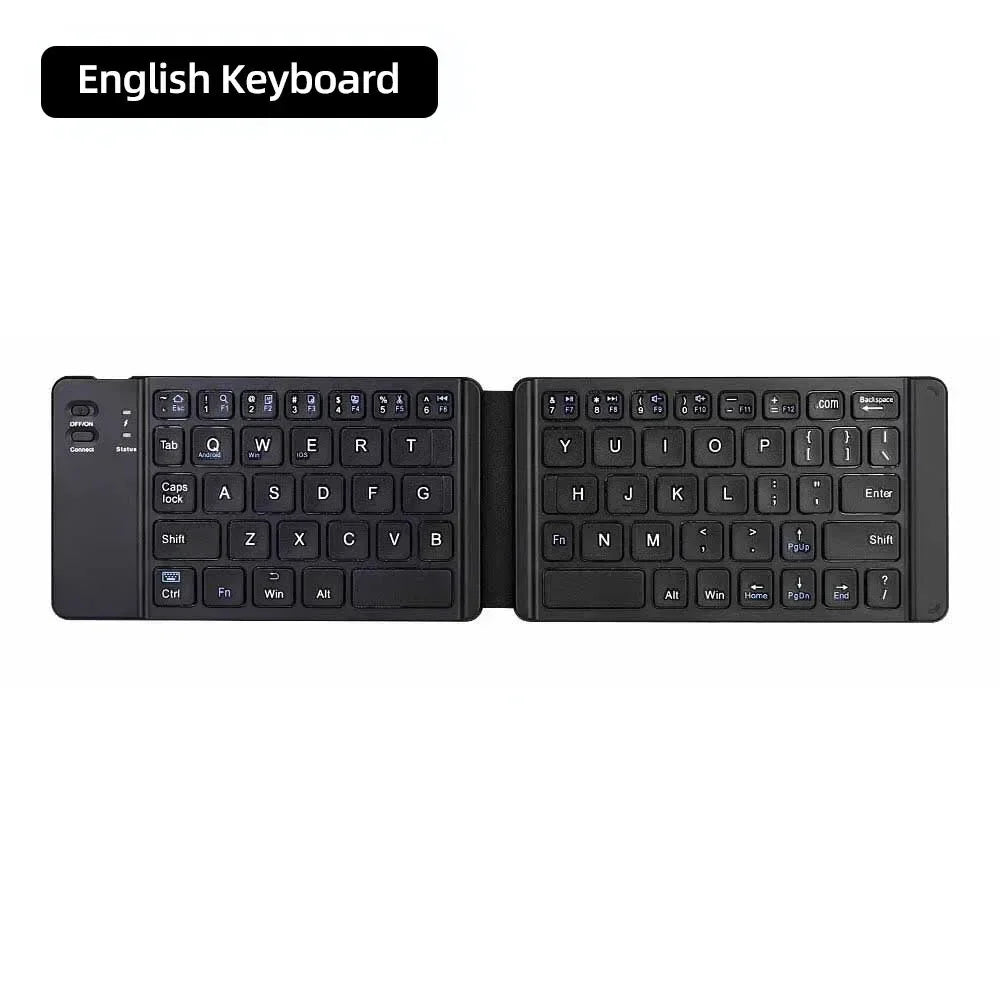
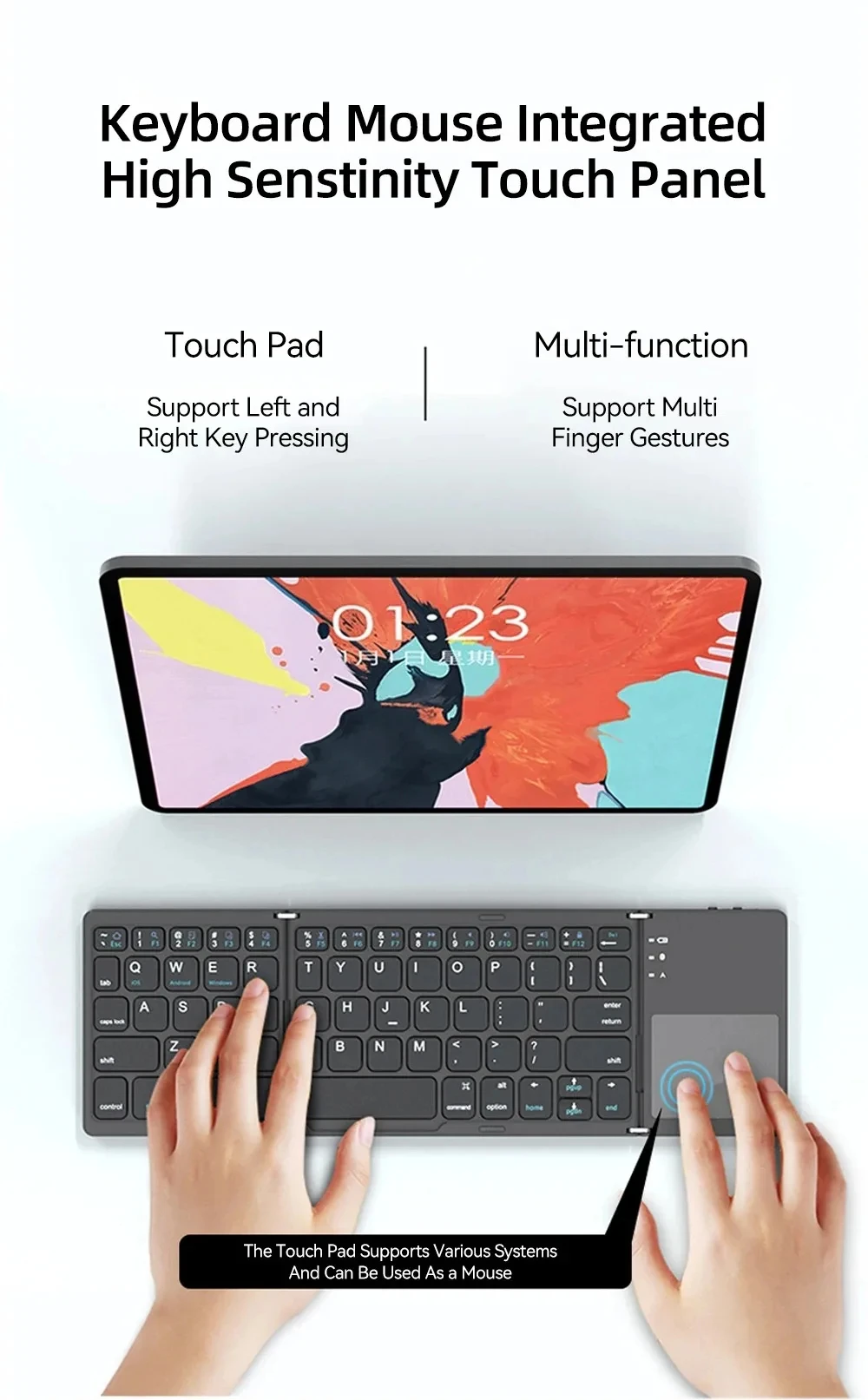
Keyboard Standard: 63 Keys,Foldable bluetooth keyboard

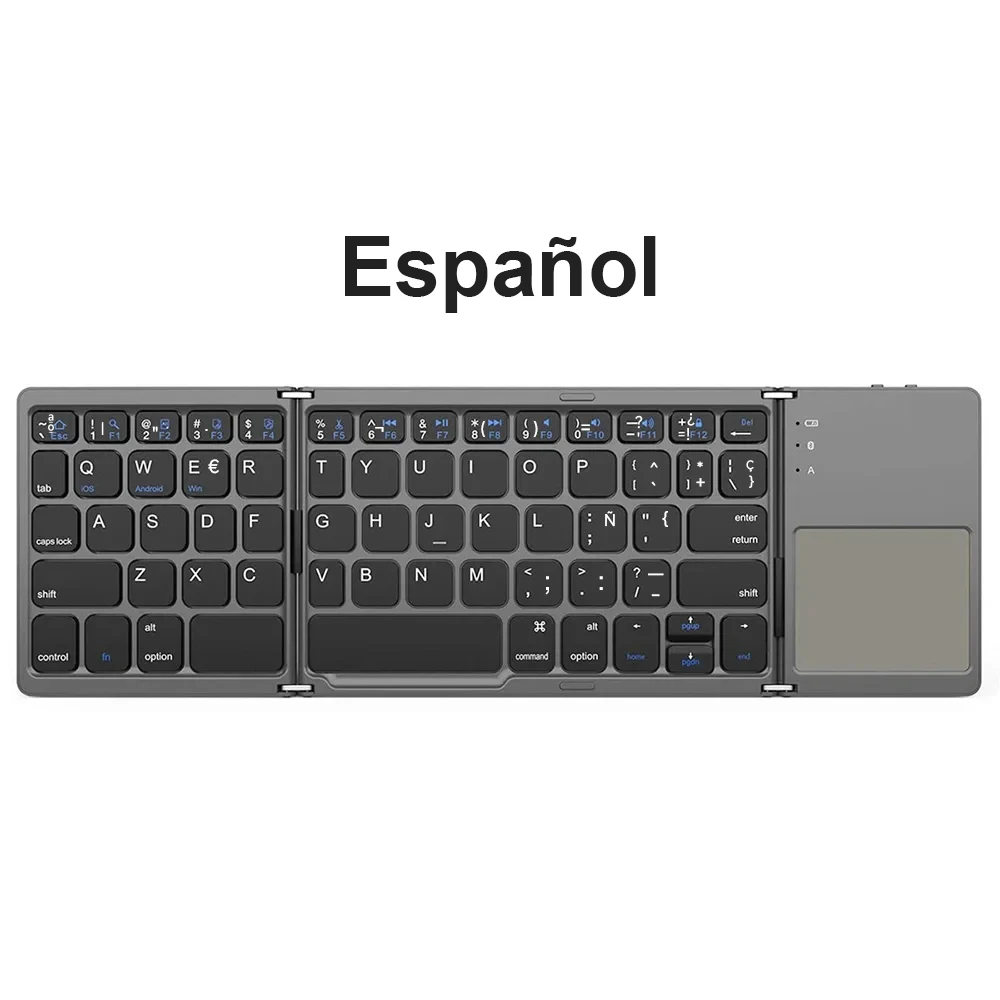
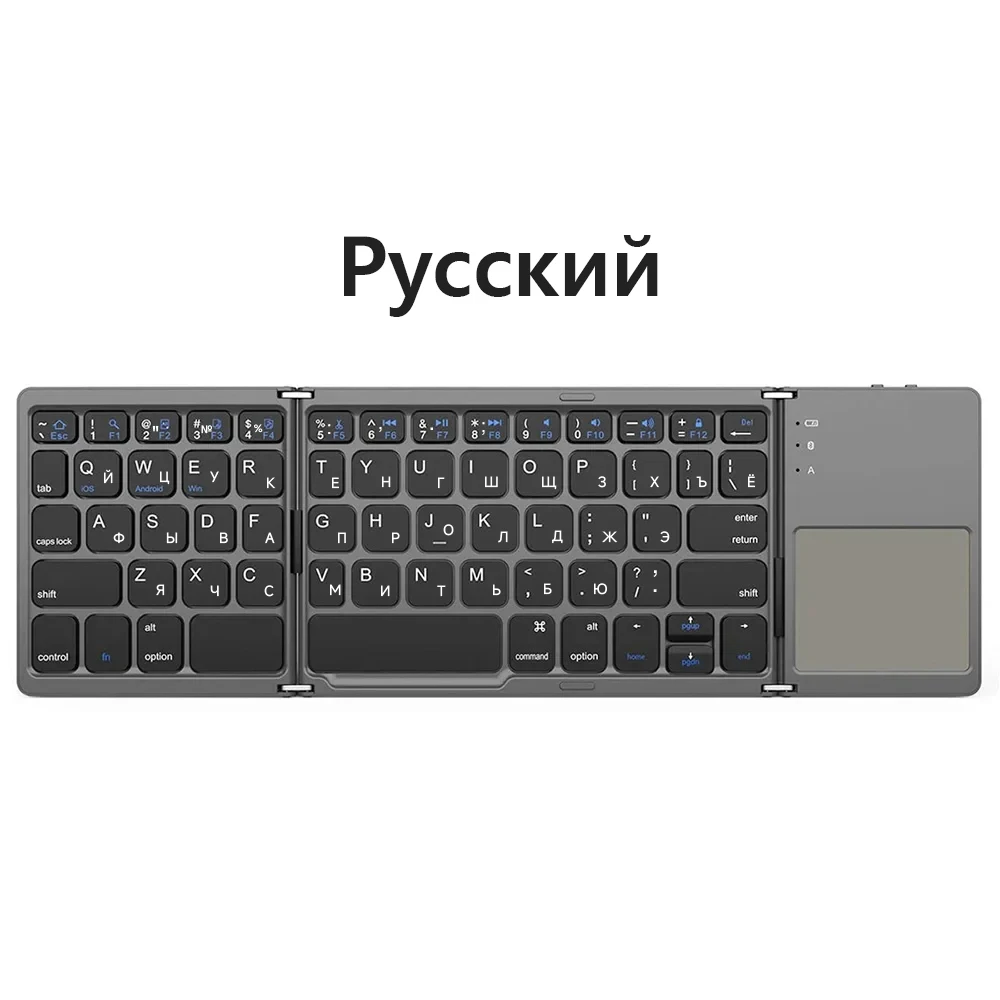
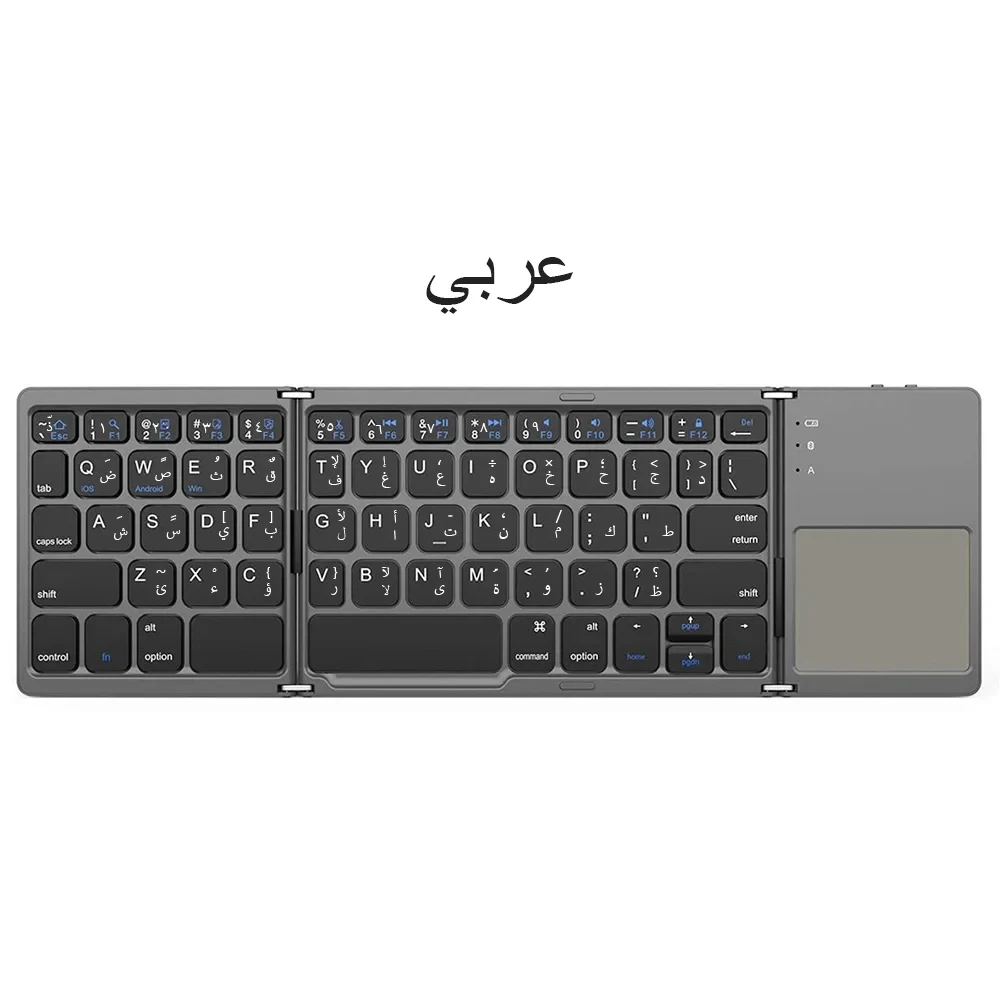
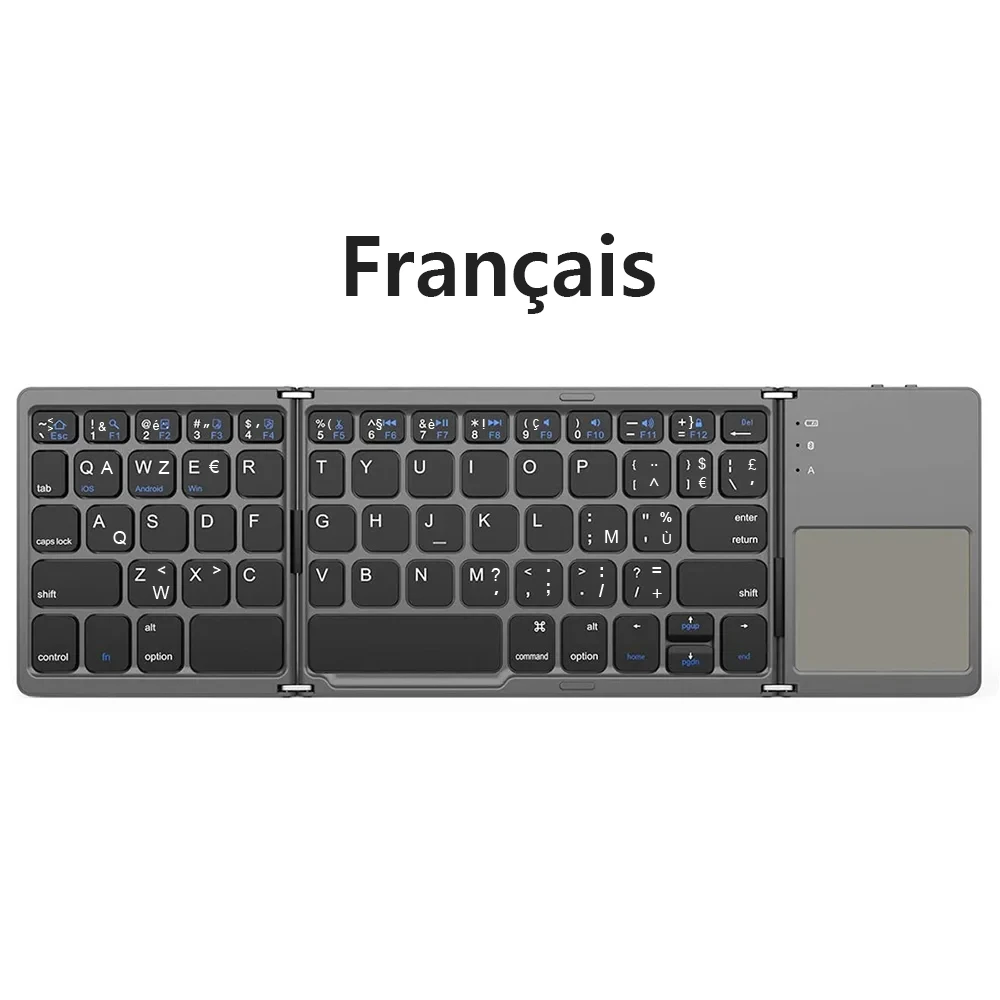
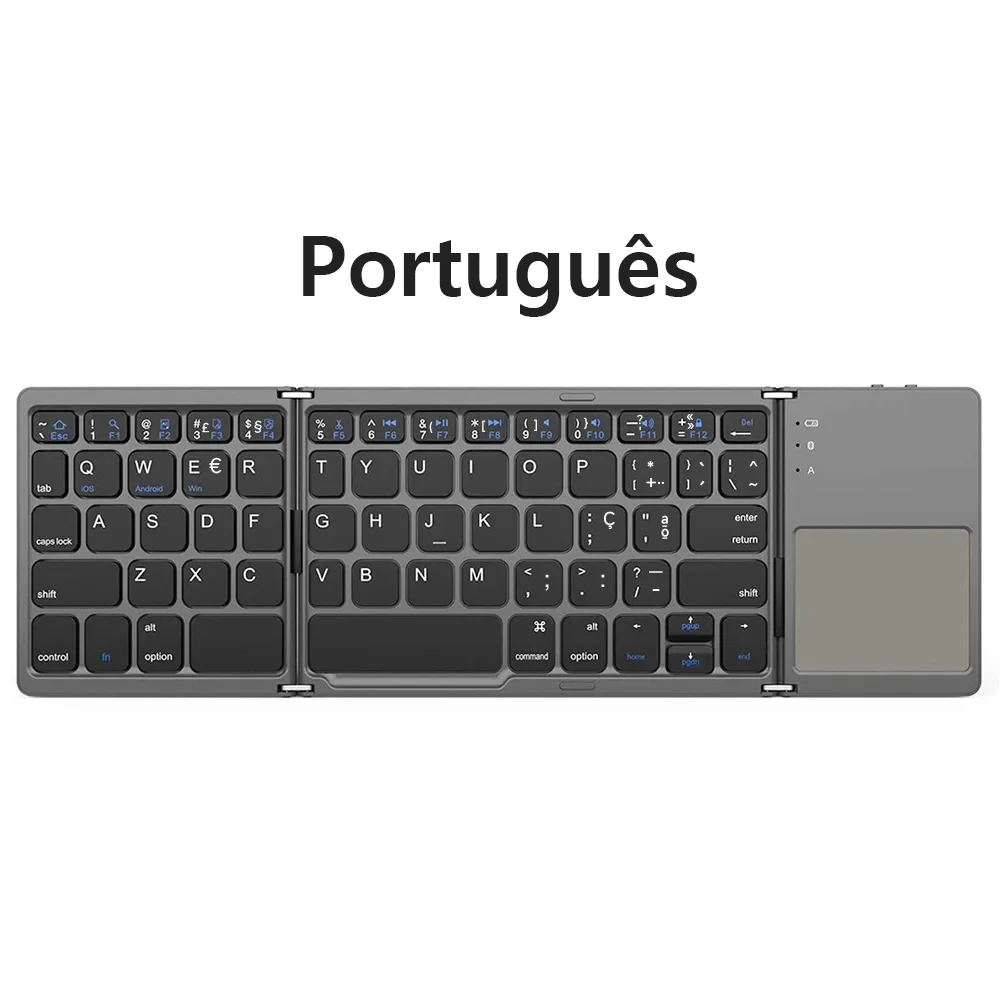
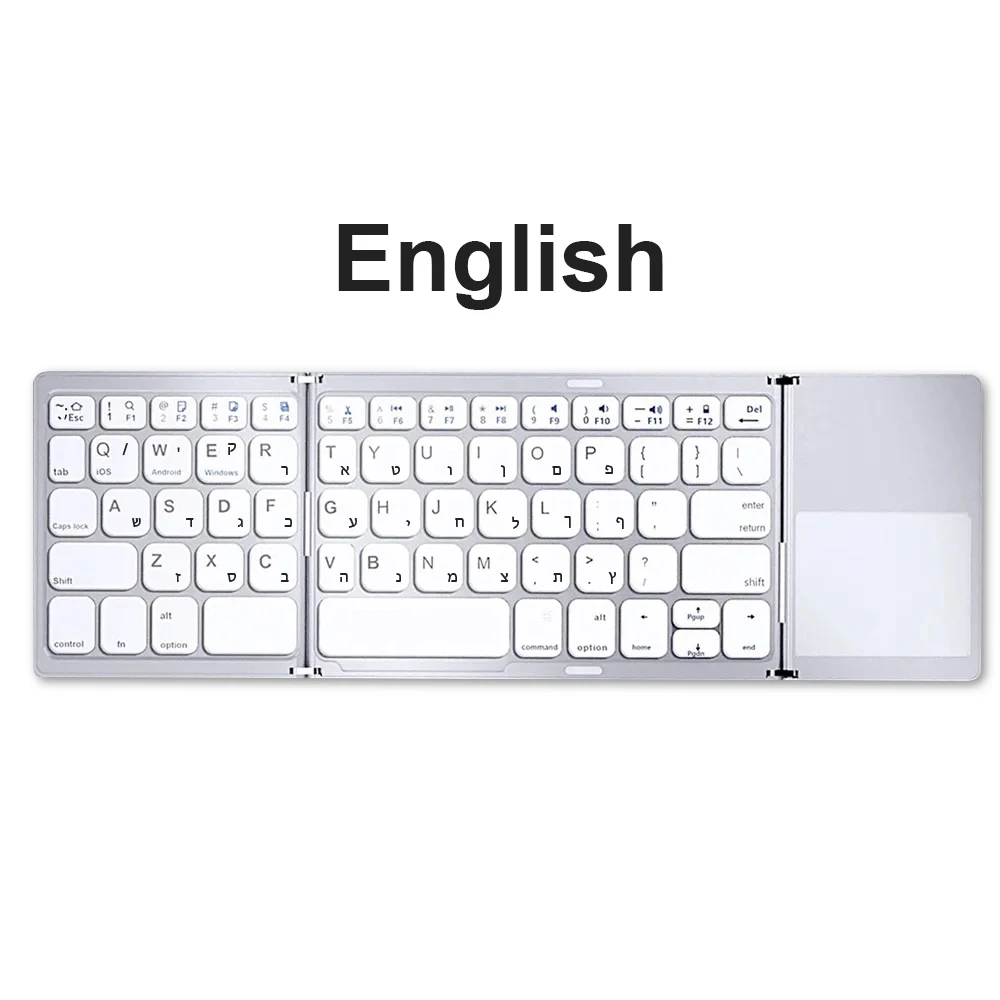
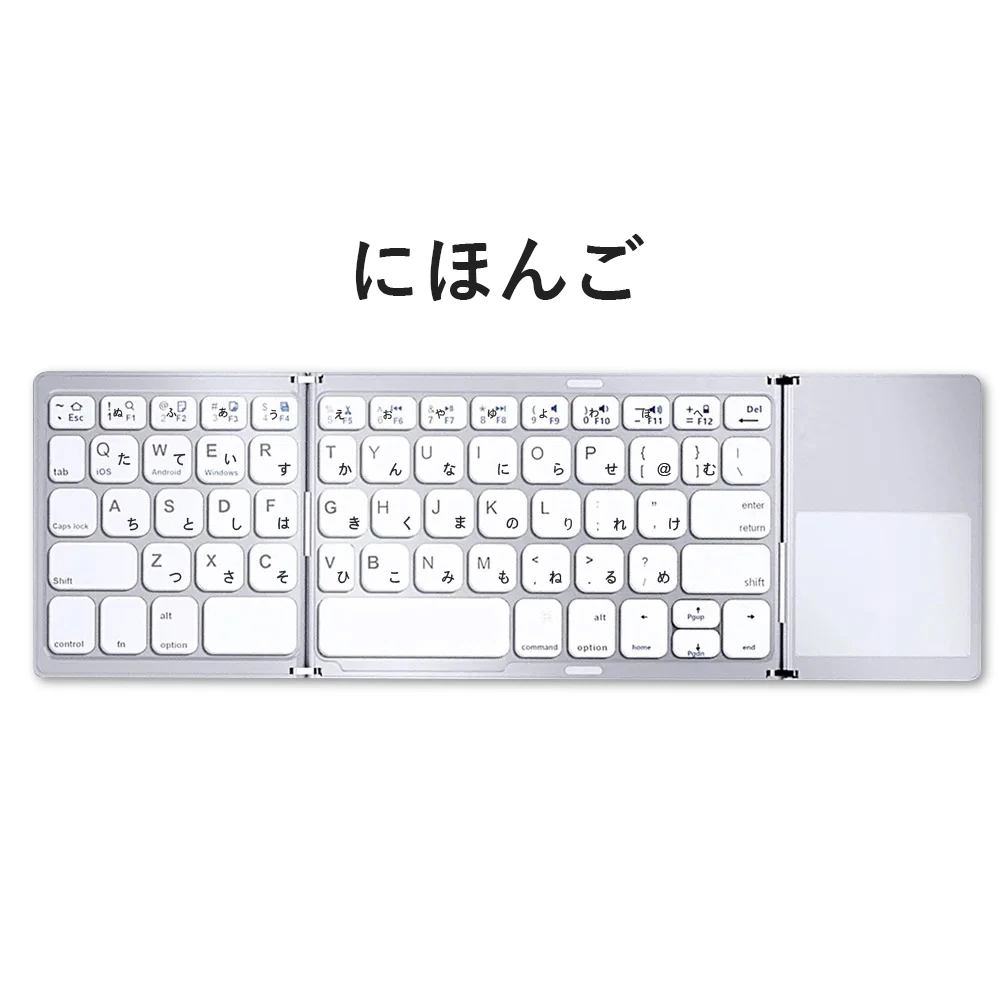
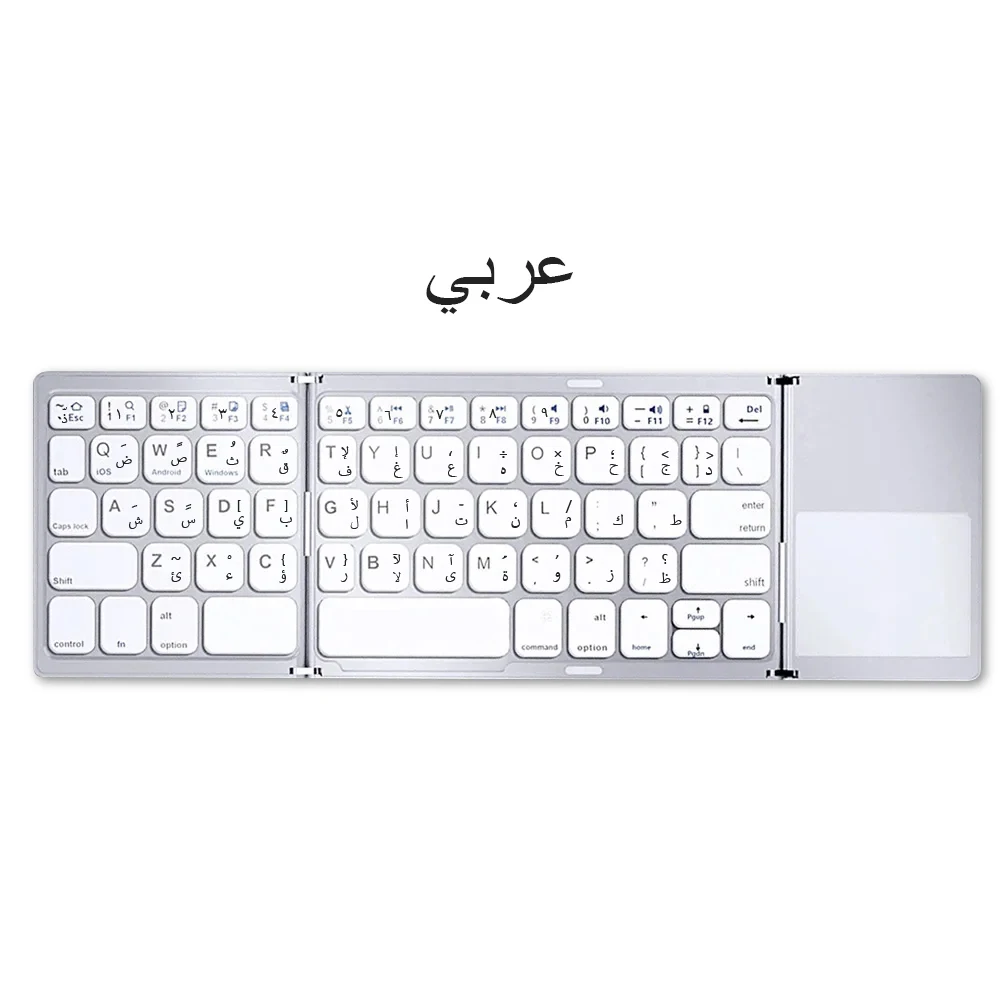
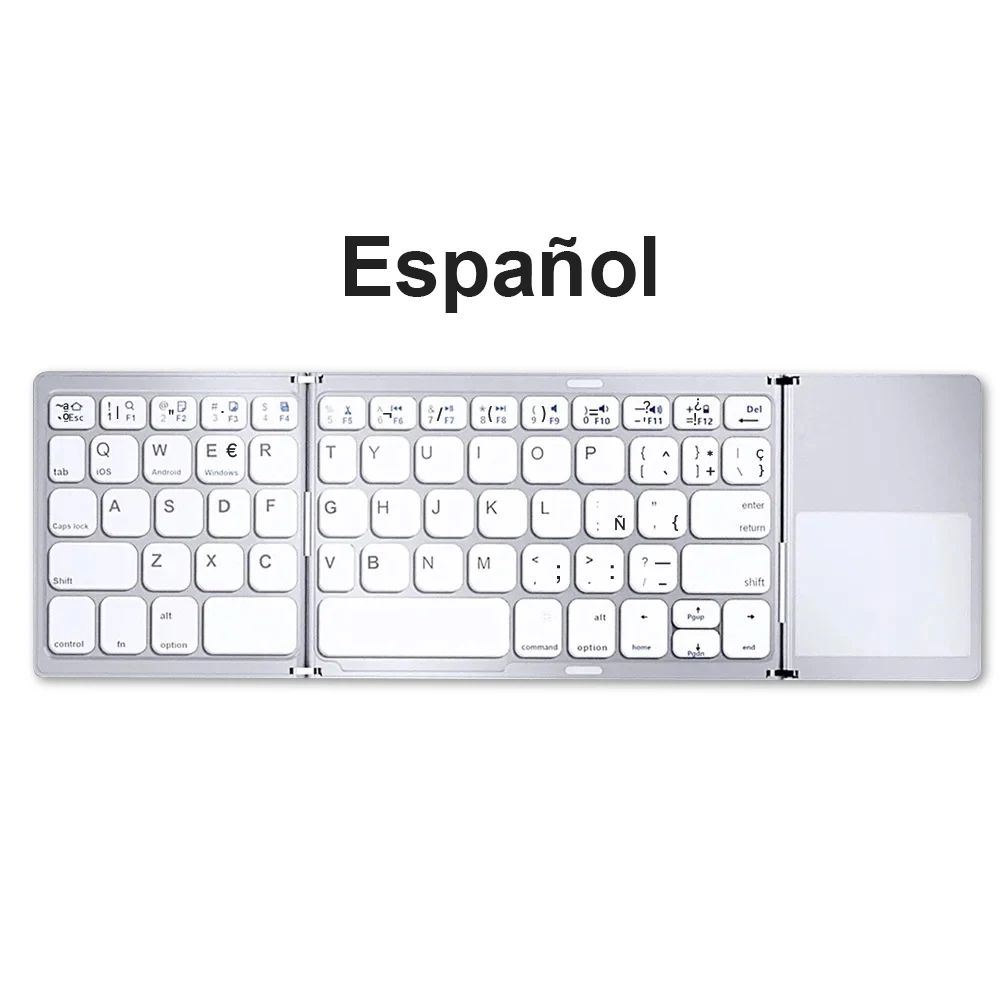
Language: Europe,Russian,English

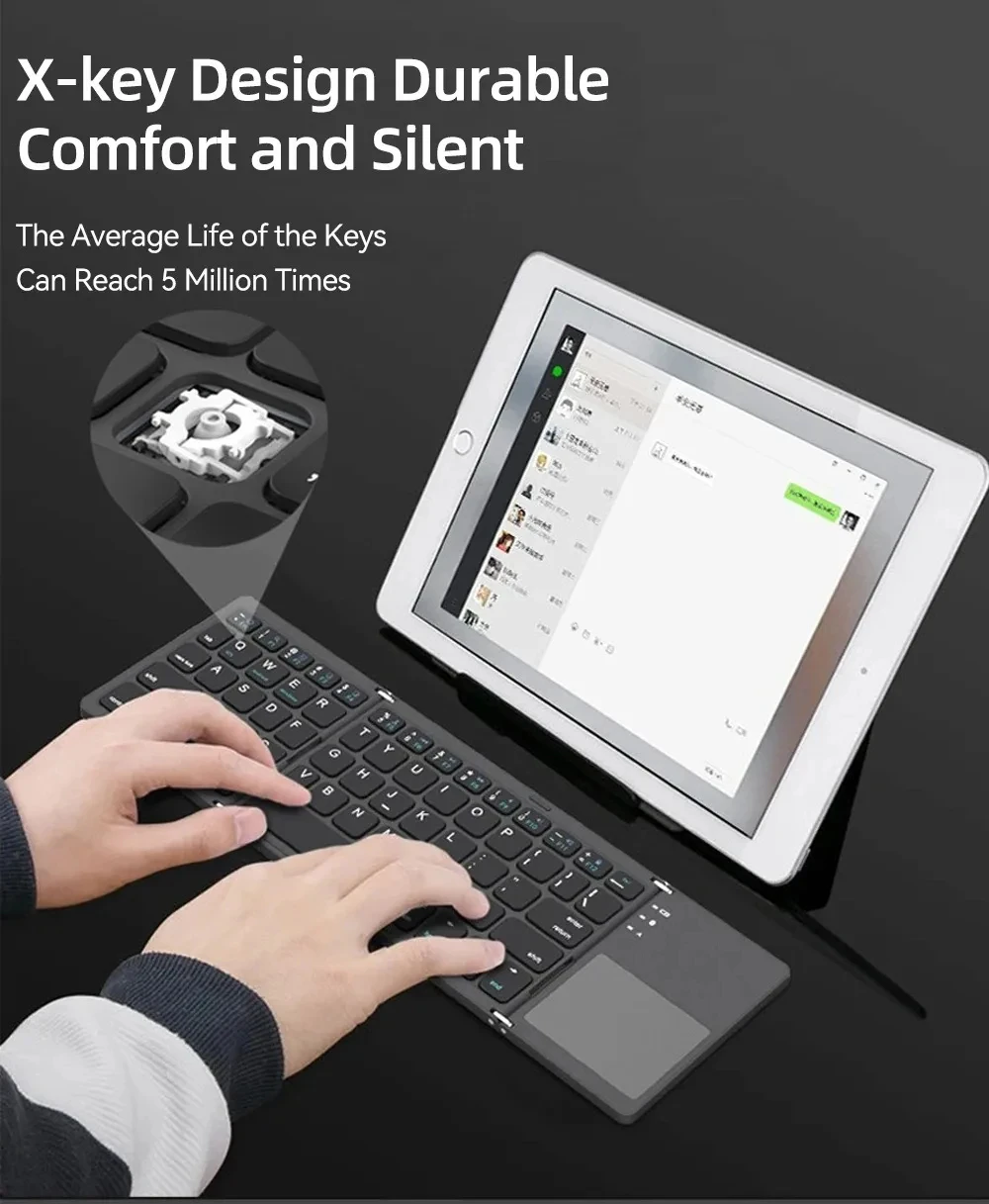
Operation Style: Mechanical

Origin: Mainland China

Package: Yes

Style: Standard

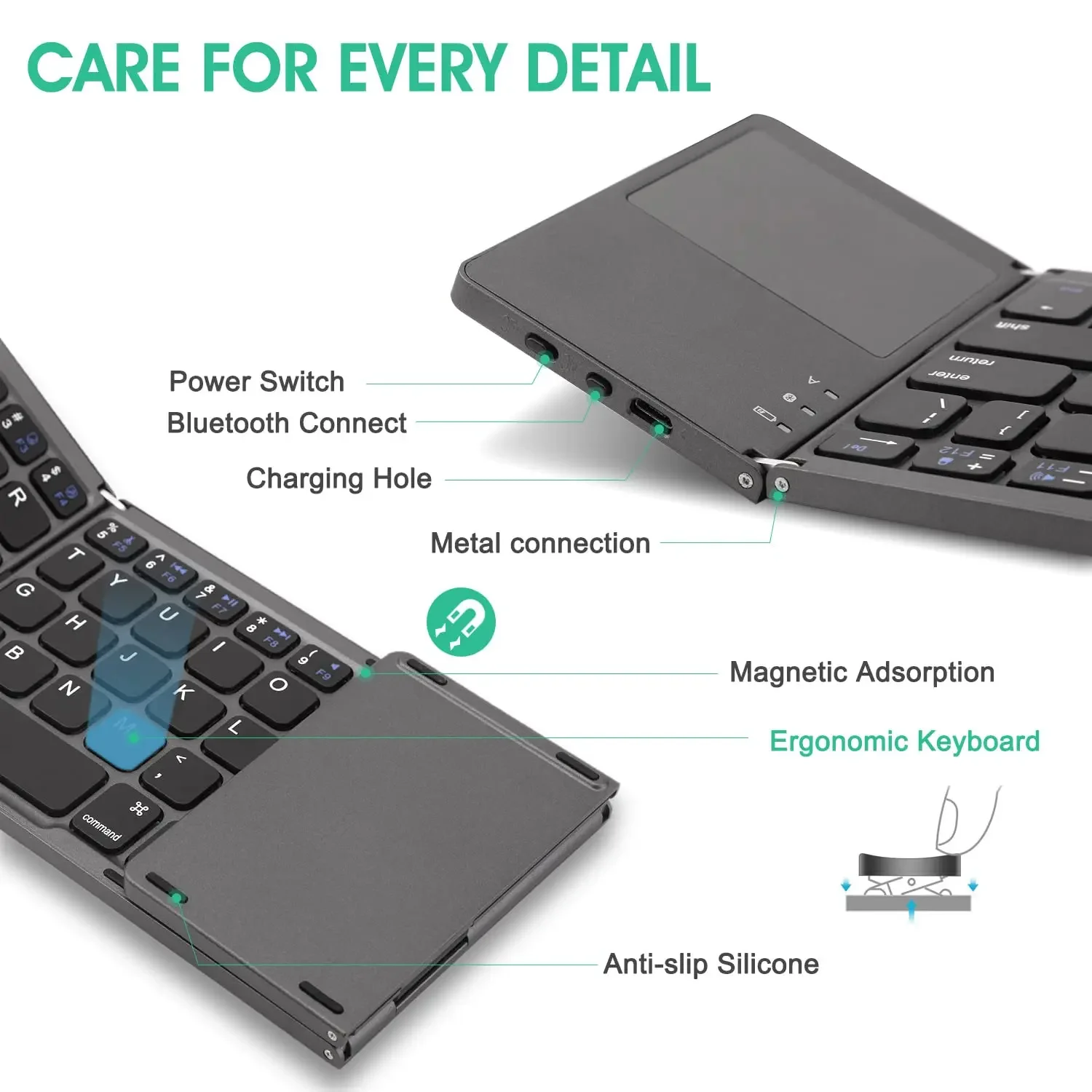
Switches Hot swap: Yes

Transmission: Bluetooth 3.0

Type: Bluetooth Wireless

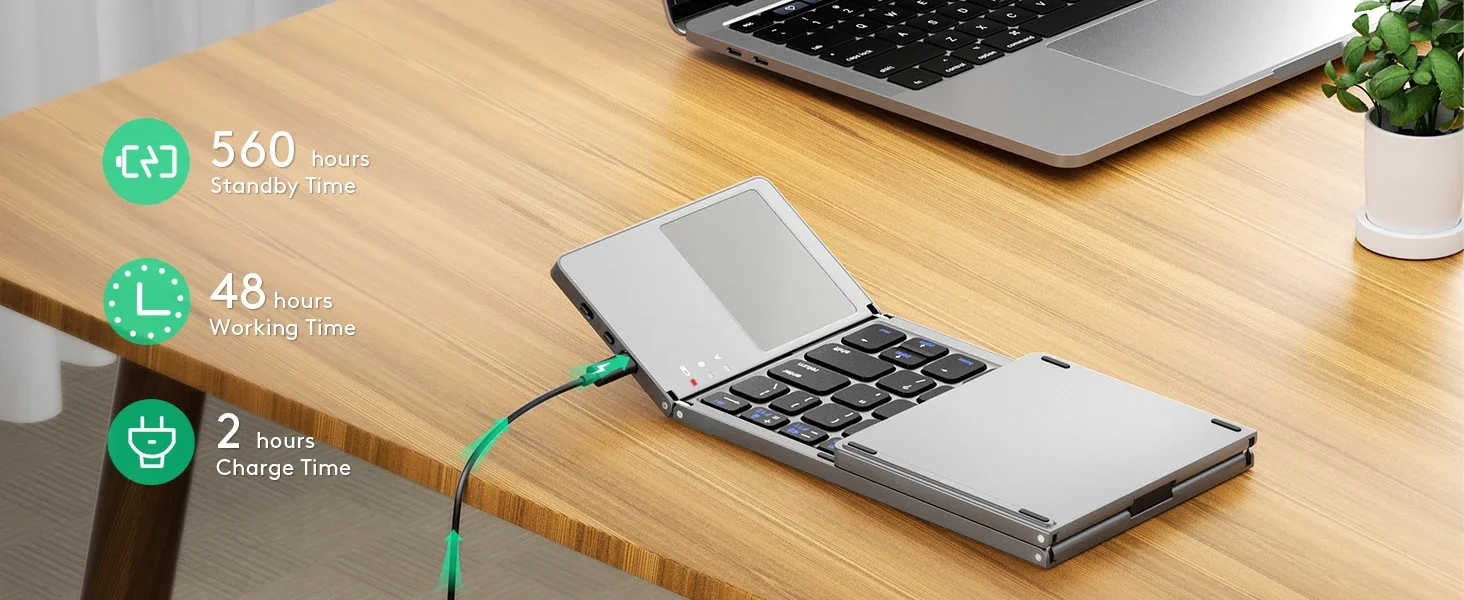
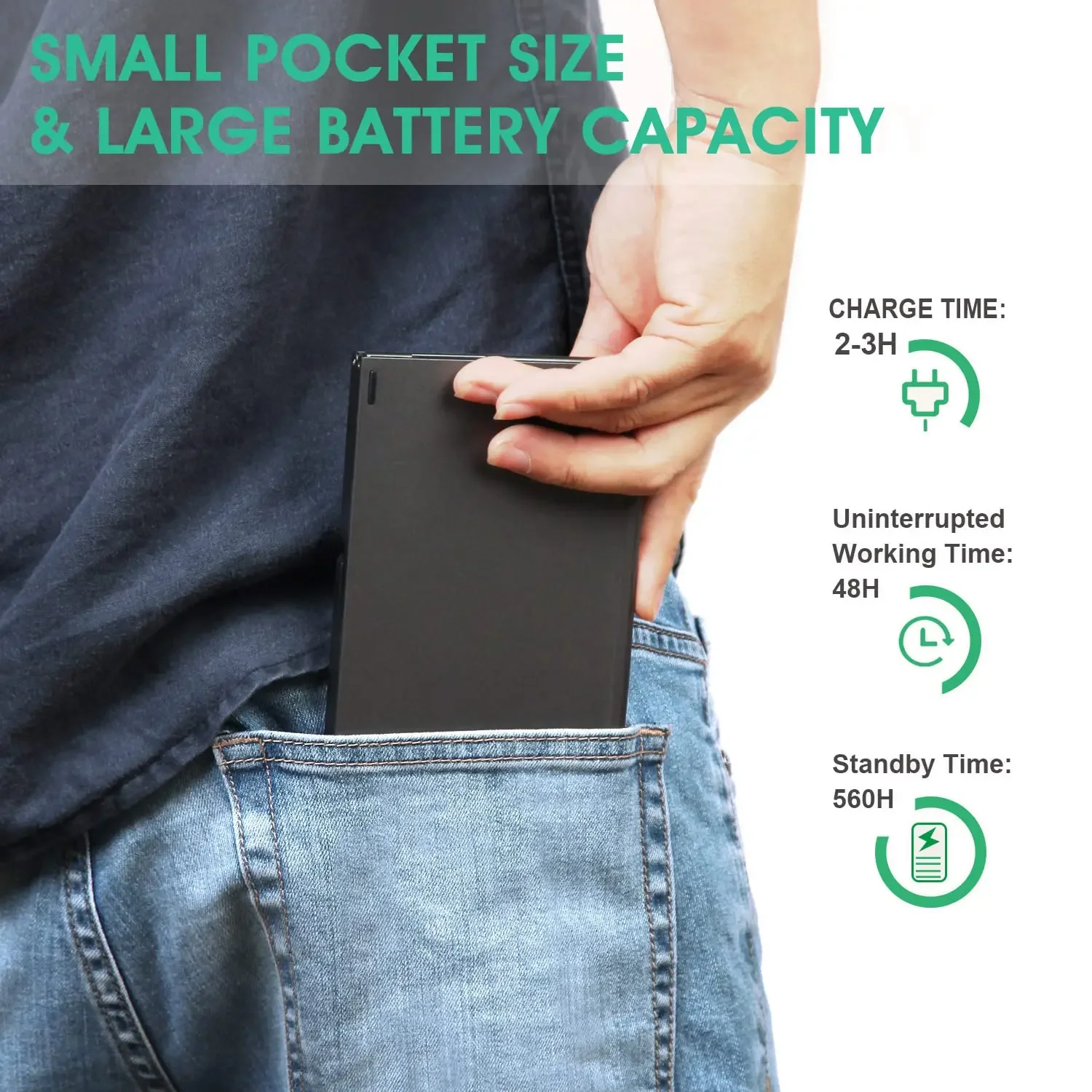
battery: rechargeable lithium battery

language: English, Russian, Spanish, Arabic

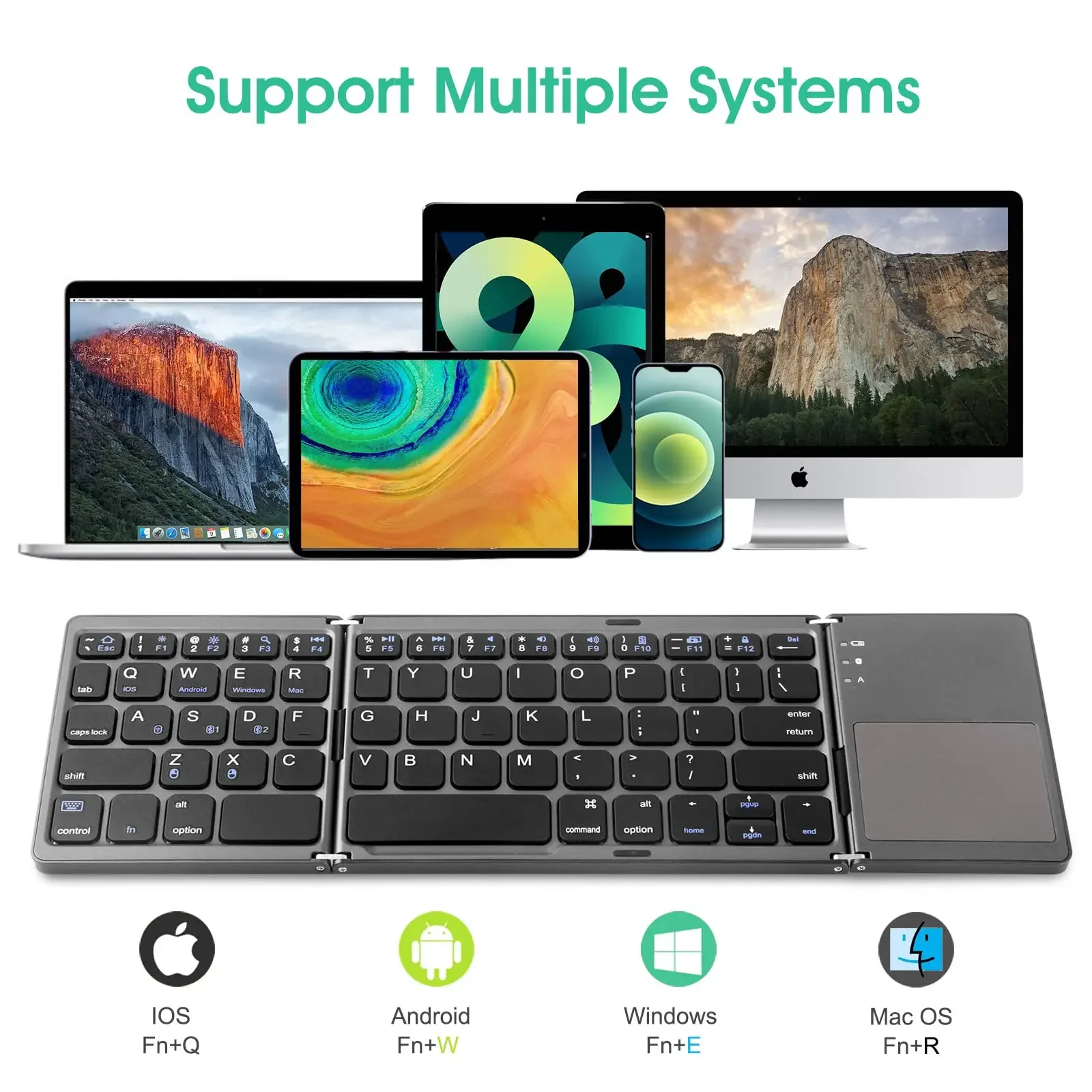
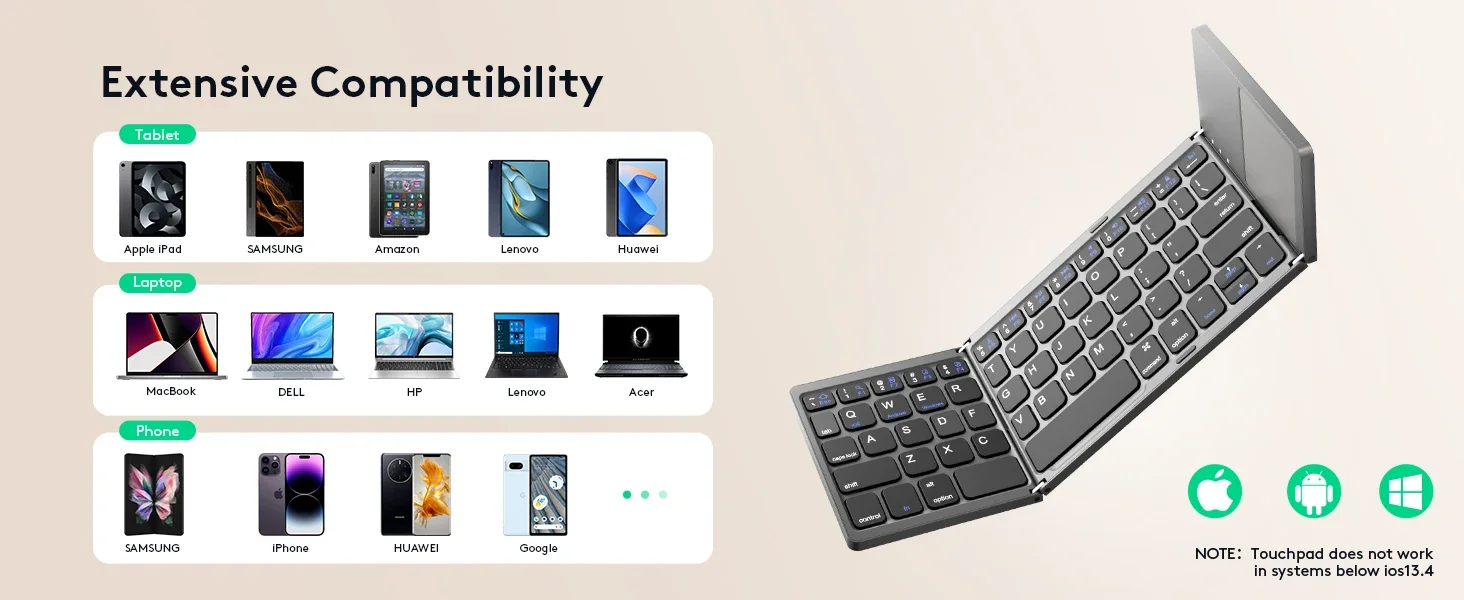
support OS: Android, Window, IOS

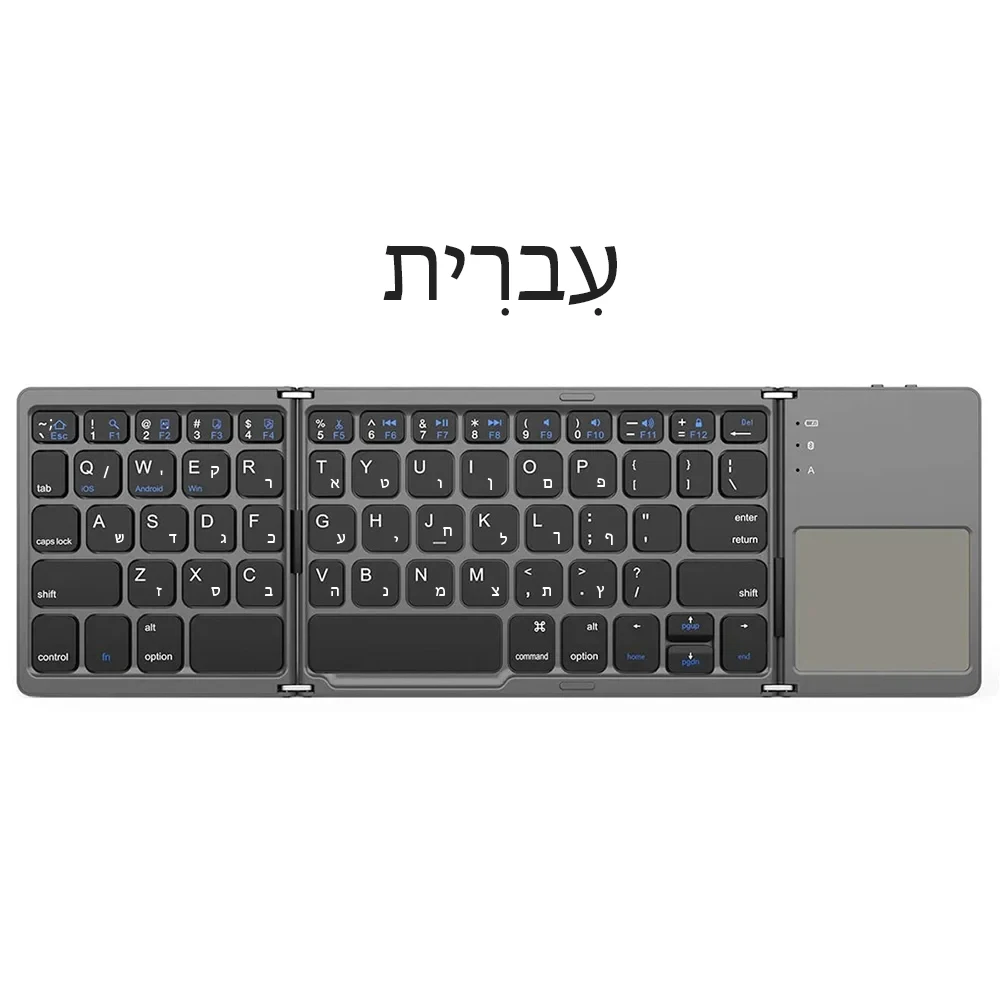
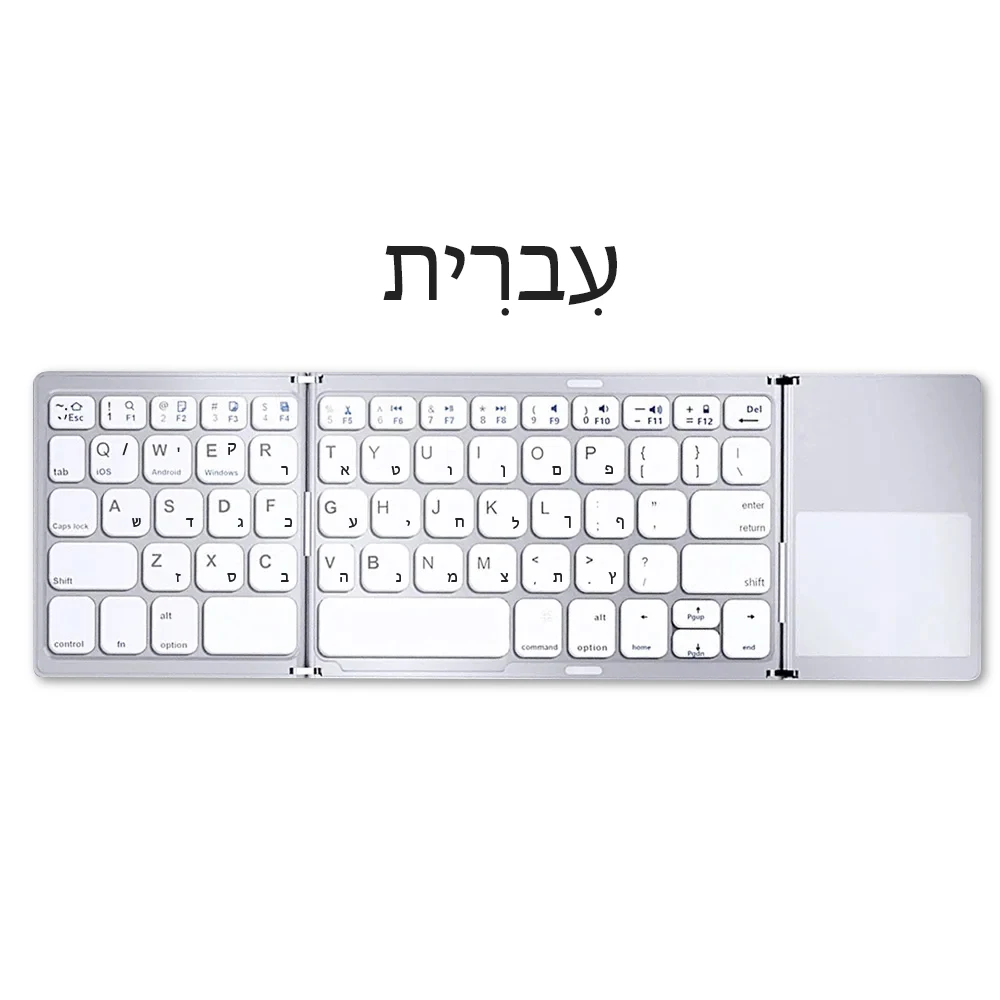
!!!This is a dual-language keyboard, for English + others(Russian;French;Hebrew and so on); please switch to the corresponding language according to the instructions before use.

Multi-channel Connection:

When connecting the first device, first press Fn+1 and then press Fn+C to start the connection.

Before connecting the second device, press Fn+2 once, then press Fn+C to start the connection.

Before connecting the third device, press Fn+3 once, then press Fn+C to start the connection.

To use multiple devices at the same time, press Fn +1/ 2/ 3 to switch to the connected devices freely .

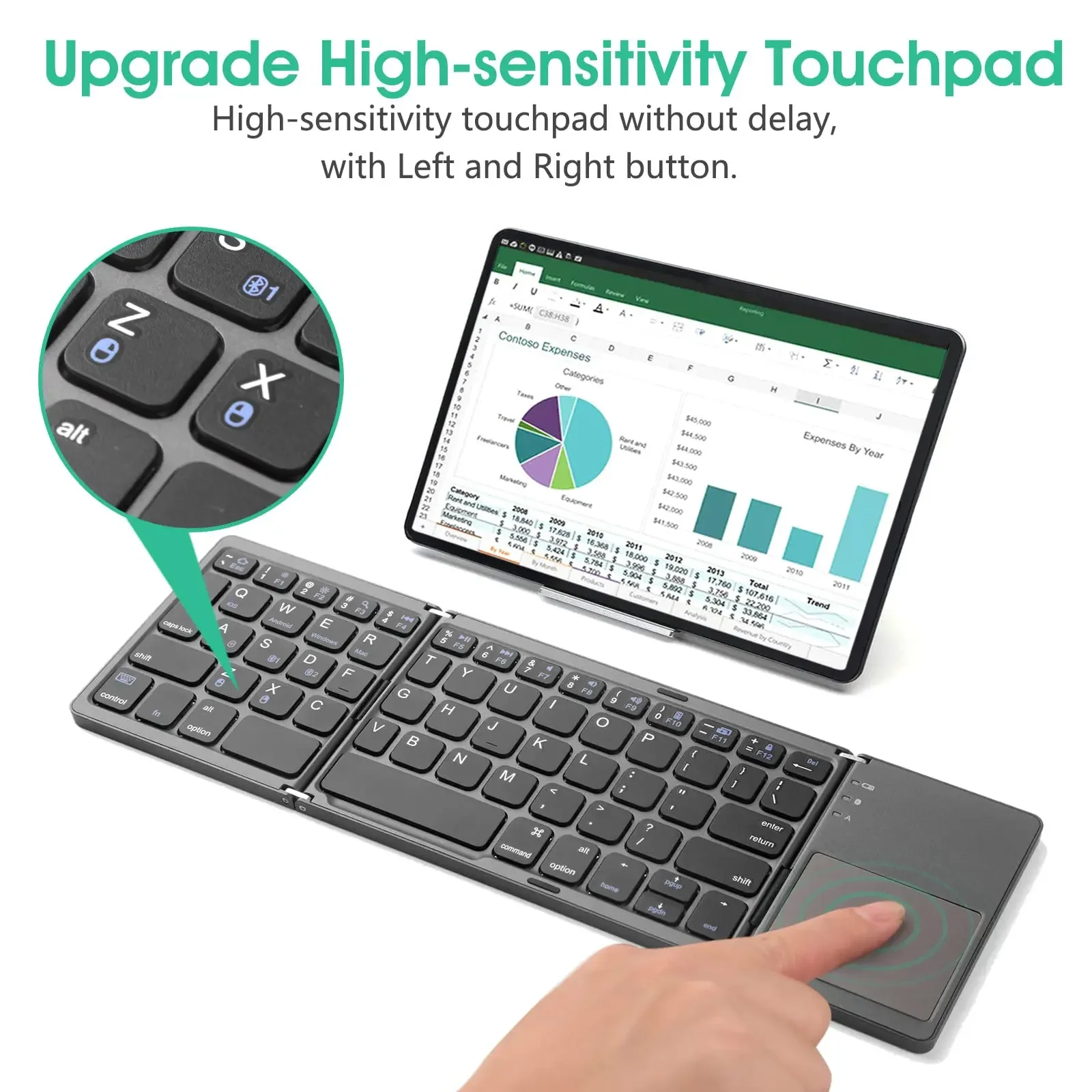
Note: The IOS system does not support touch screen functionality.